One Android keyboard for touch and voice
Type. Speak. Shape. Send.
Type locally without an account or connection. When you choose voice, BlackSiren adds protected AI dictation, Polish, and Rewrite without leaving the field.

Private beta. Invitation required.
- 4
- ways to type, speak, and refine
- 22
- fixed keyboard themes
- 0
- tracking scripts here
Local QWERTY needs no account or network
Voice starts only when you choose it
AI results stay tied to the active field
One keyboard, four ways to work
Type locally, dictate securely, clean up exact words, or ask for a broader rewrite without leaving the active field.
Type
Use complete local QWERTY
Type letters, symbols, accents, and field-specific characters without signing in or sending text to BlackSiren. Shift, Caps Lock, repeated Backspace, and sentence capitalization work on the device.
Speak
Dictate with protected sessions
Tap for hands-free recording or hold for push-to-talk. Signed-in requests verify that you are using the approved installed app. BlackSiren does not store your audio or transcript.
Refine
Polish the wording
Select text for a focused cleanup. With no selection, BlackSiren can ask before polishing the full accessible field.
Reshape
Rewrite the message
Rewrite can make larger wording and structure changes. Revert rewrite restores BlackSiren's short-lived snapshot while the same target remains current.
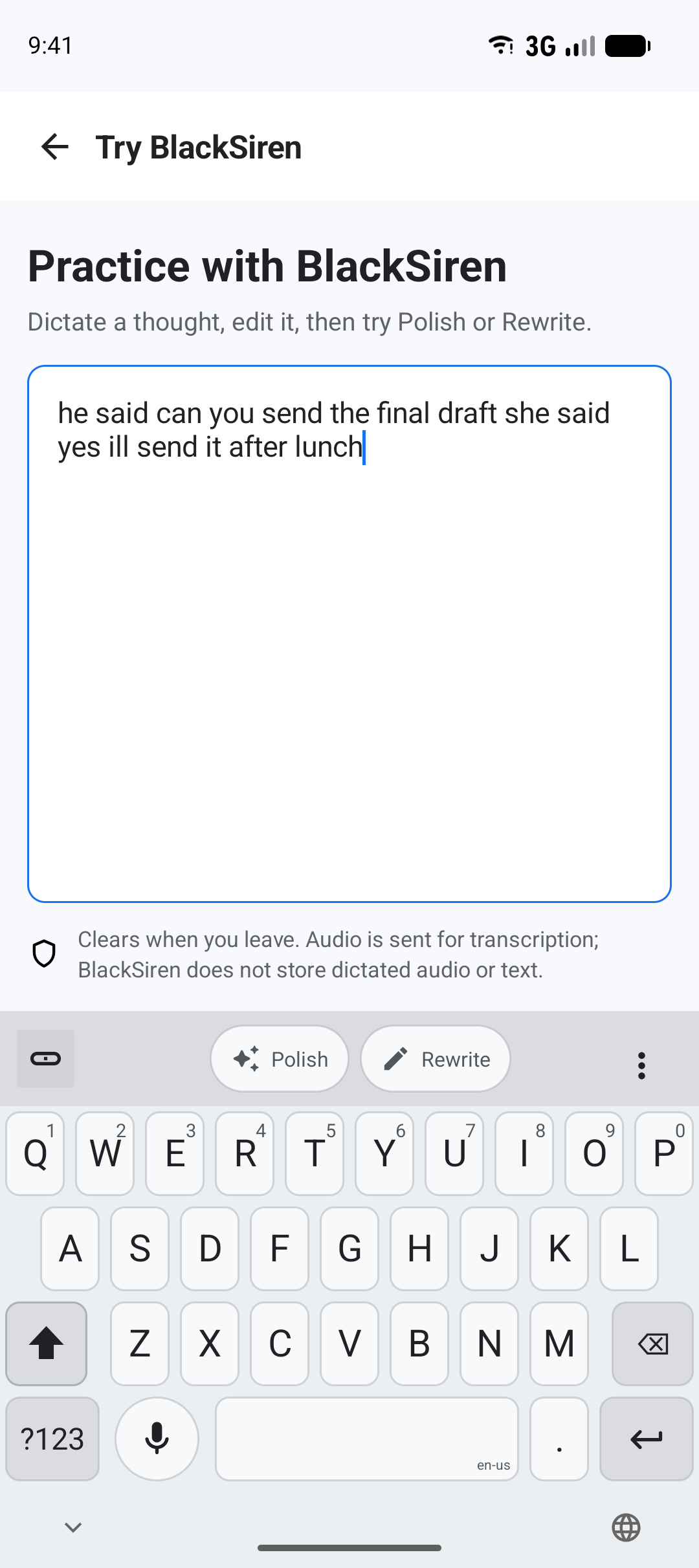
Illustrative Polish example
he said can you send the final draft she said yes ill send it after lunch
He said, “Can you send the final draft?” She said, “Yes, I’ll send it after lunch.”
A keyboard that fits how you work
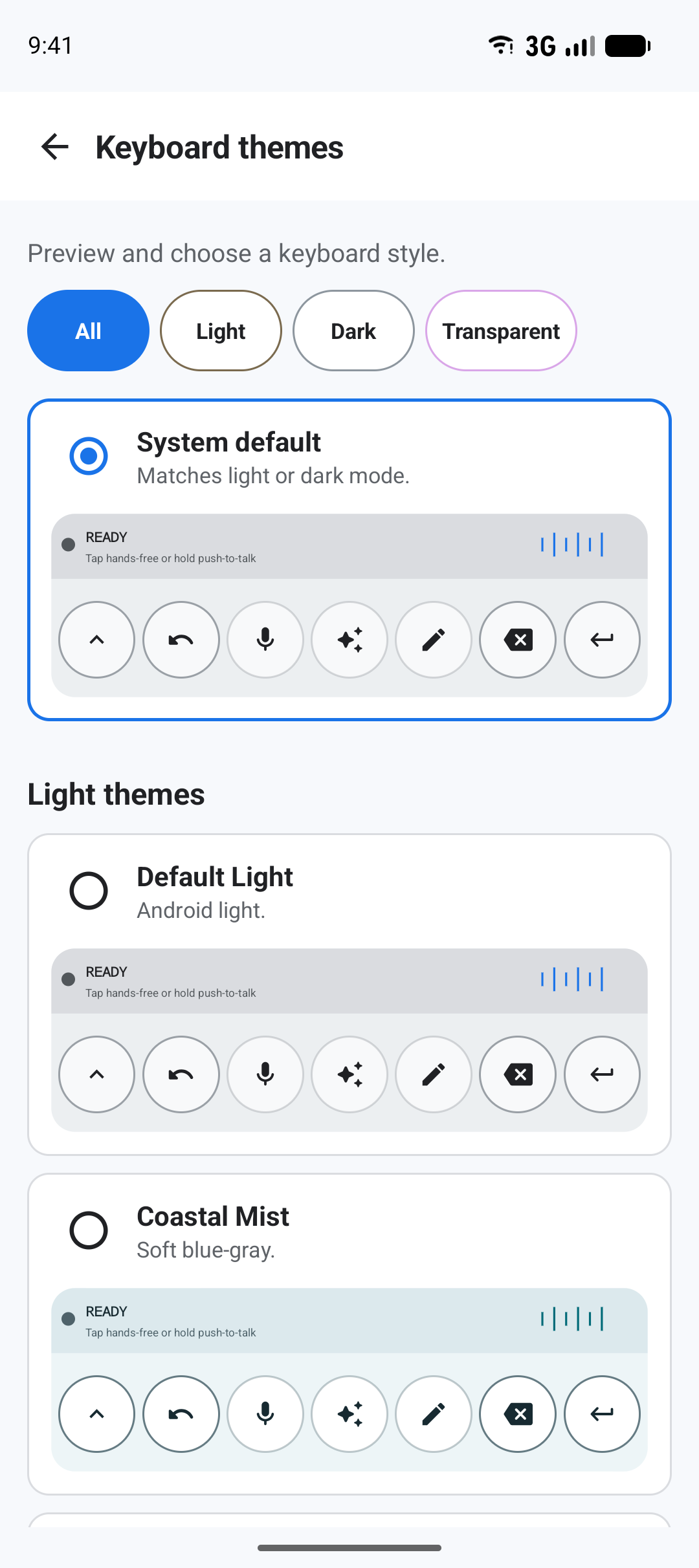
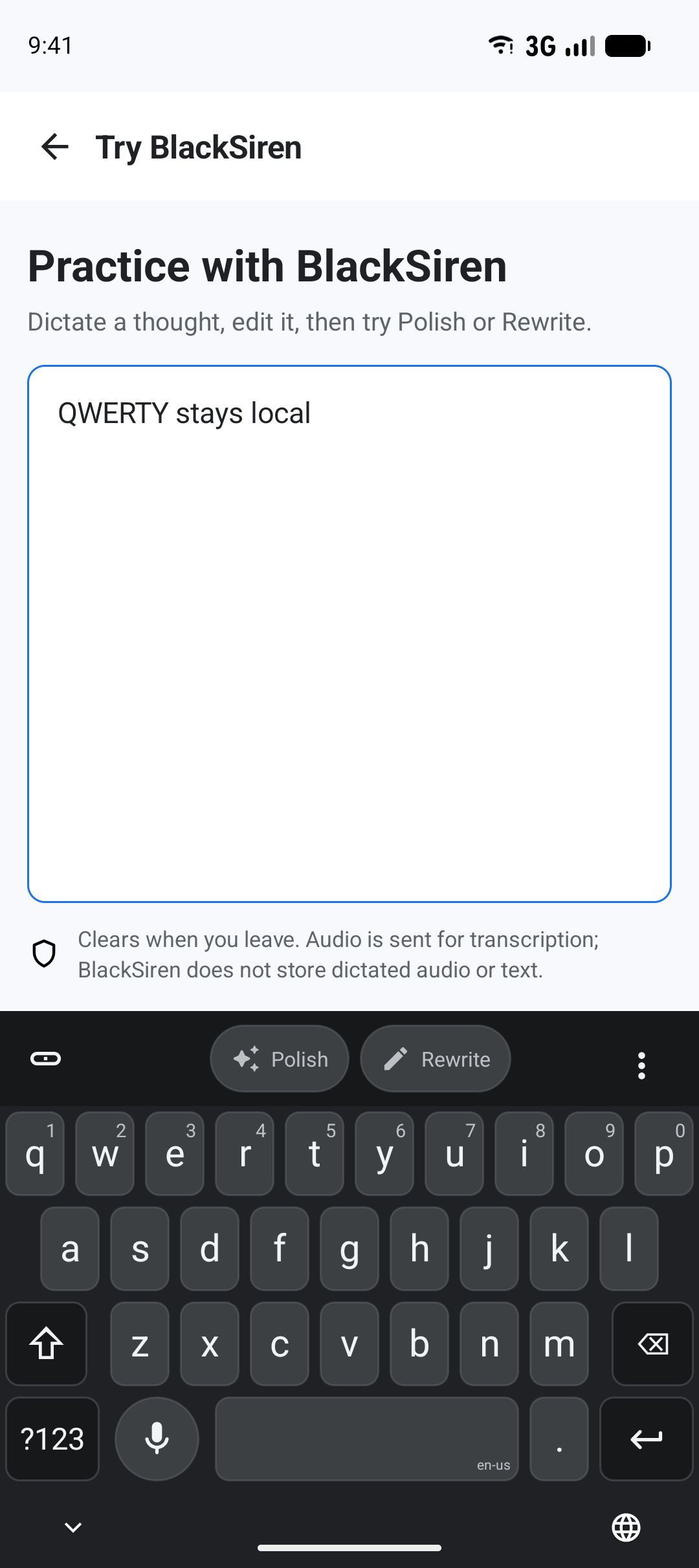
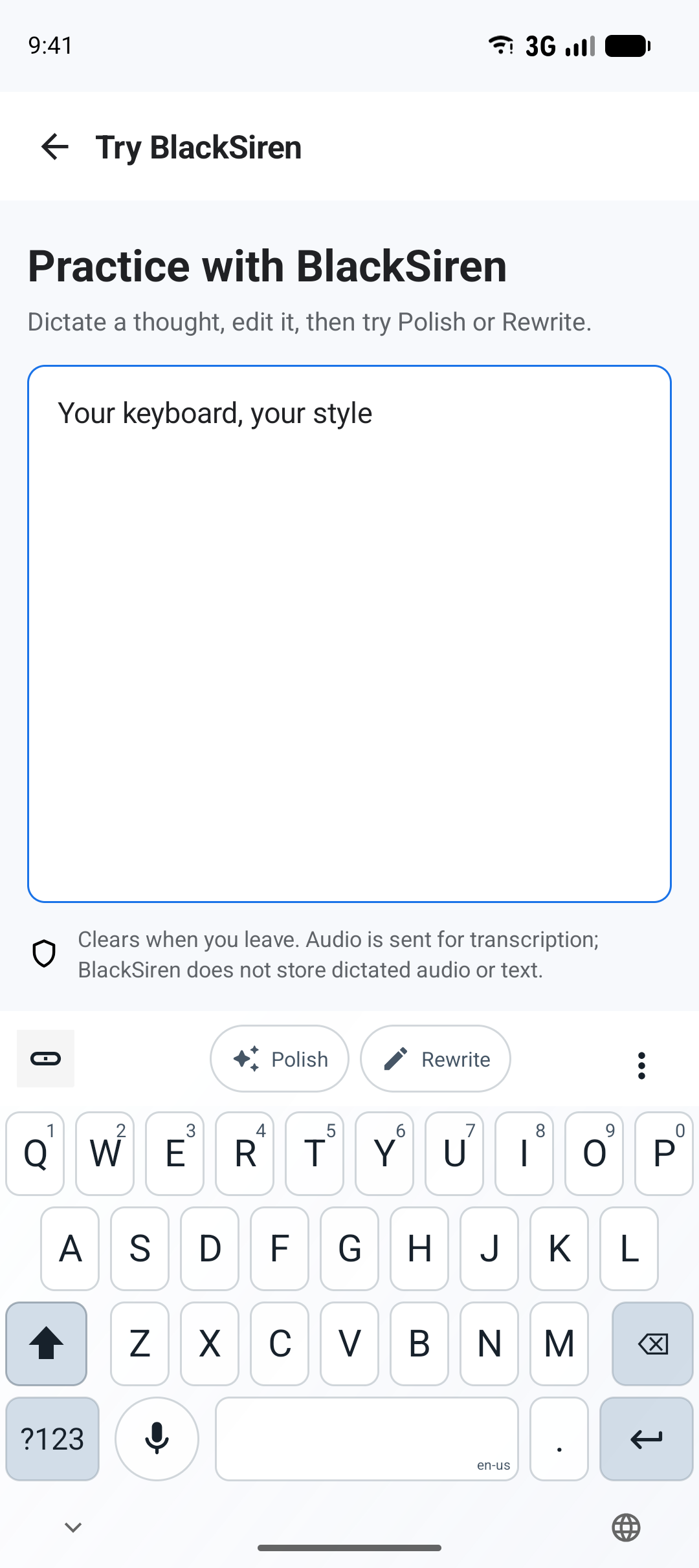
Follow Android automatically or choose from 6 light, 6 dark, and 10 transparent themes. The palette changes across QWERTY and voice layouts; control placement stays predictable.
23 choices including System default
system
System default
Matches light or dark mode.
Featured palettes
4 choices
System default
1 choice
Light themes
6 choices
Dark themes
6 choices
Transparent themes
10 choices
Designed around boundaries
Local by default. Protected when connected.
QWERTY typing stays on the device. When you start Dictation, Polish, or Rewrite, BlackSiren sends only the audio or text needed for that action and does not retain the content.
See every data route- On your deviceType locally and choose when AI begins.
QWERTY text enters the active field without a BlackSiren account or backend request.
- For the requestSend only what the chosen action needs.
Audio or text is used only to complete the request.
- After the resultReturn to the same unchanged target.
If you change the field or text before a result returns, BlackSiren does not insert it.
Ready when you are
From install to your first message.
Choose QWERTY for local typing, or sign in and allow microphone access when you want secure voice and refinement tools.
Private beta. Invitation required.